Efficient shop design.
View the API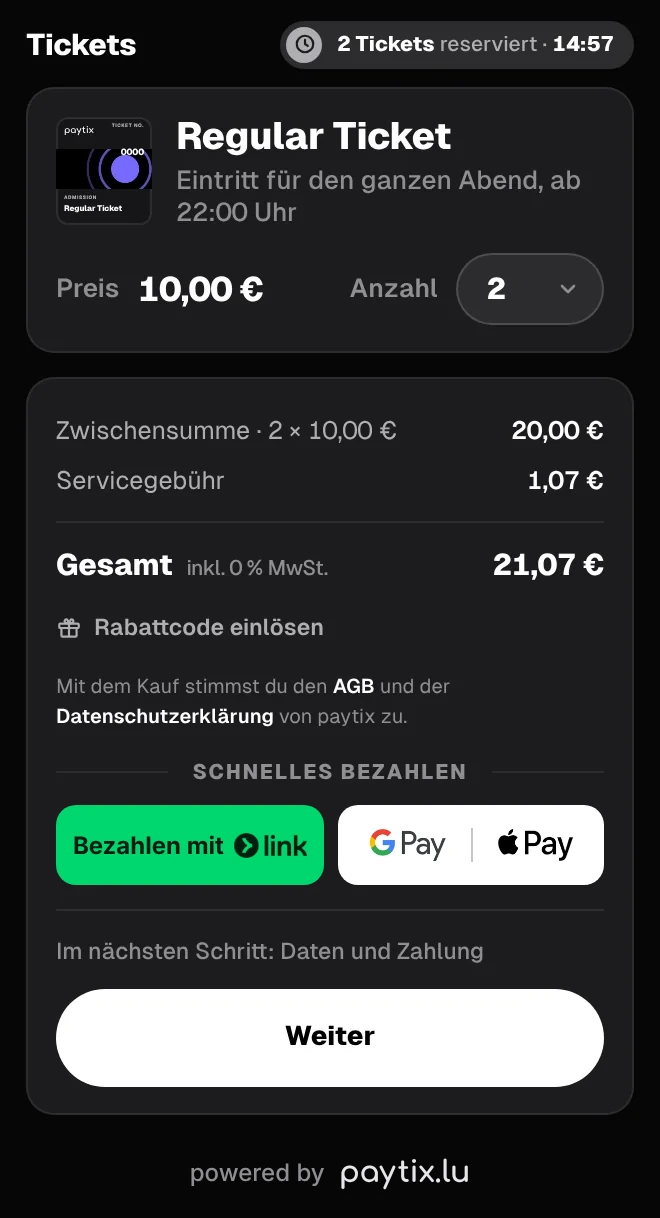
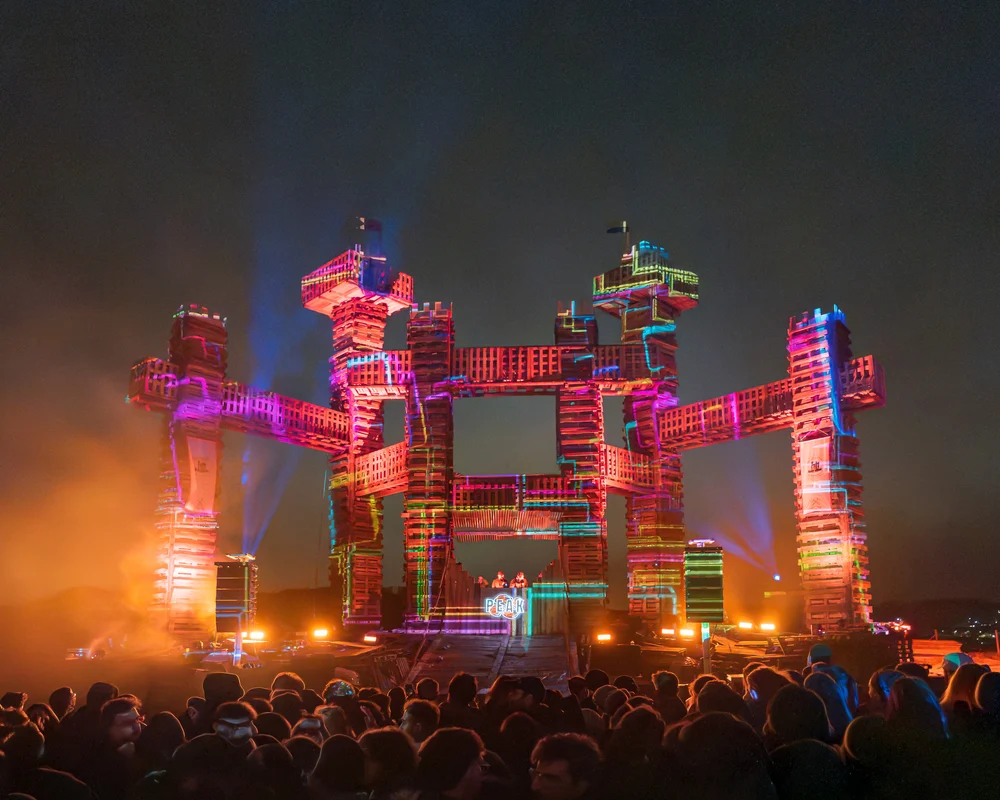
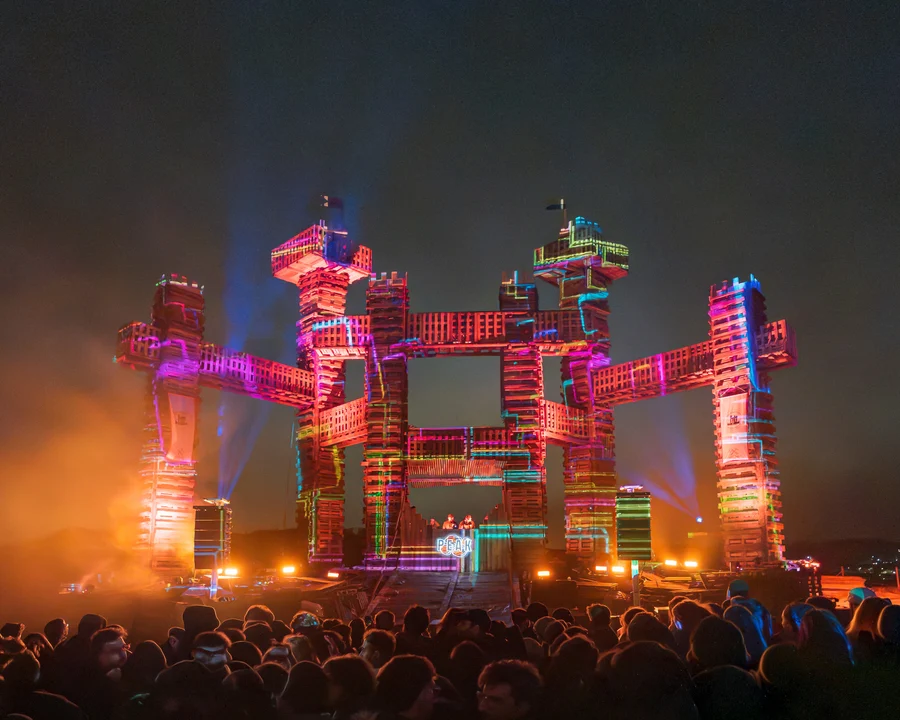 Peak Fortress 2026 · Peak Luxembourg
Sell tickets with ease.
No hidden fees.
Free for organisers when guests pay the fees.


Optionally ask custom questions at checkout. At no extra cost.
Secure, modern and fast payment methods for more completed purchases.




Sell with the web app. Ideal for in-person sales.
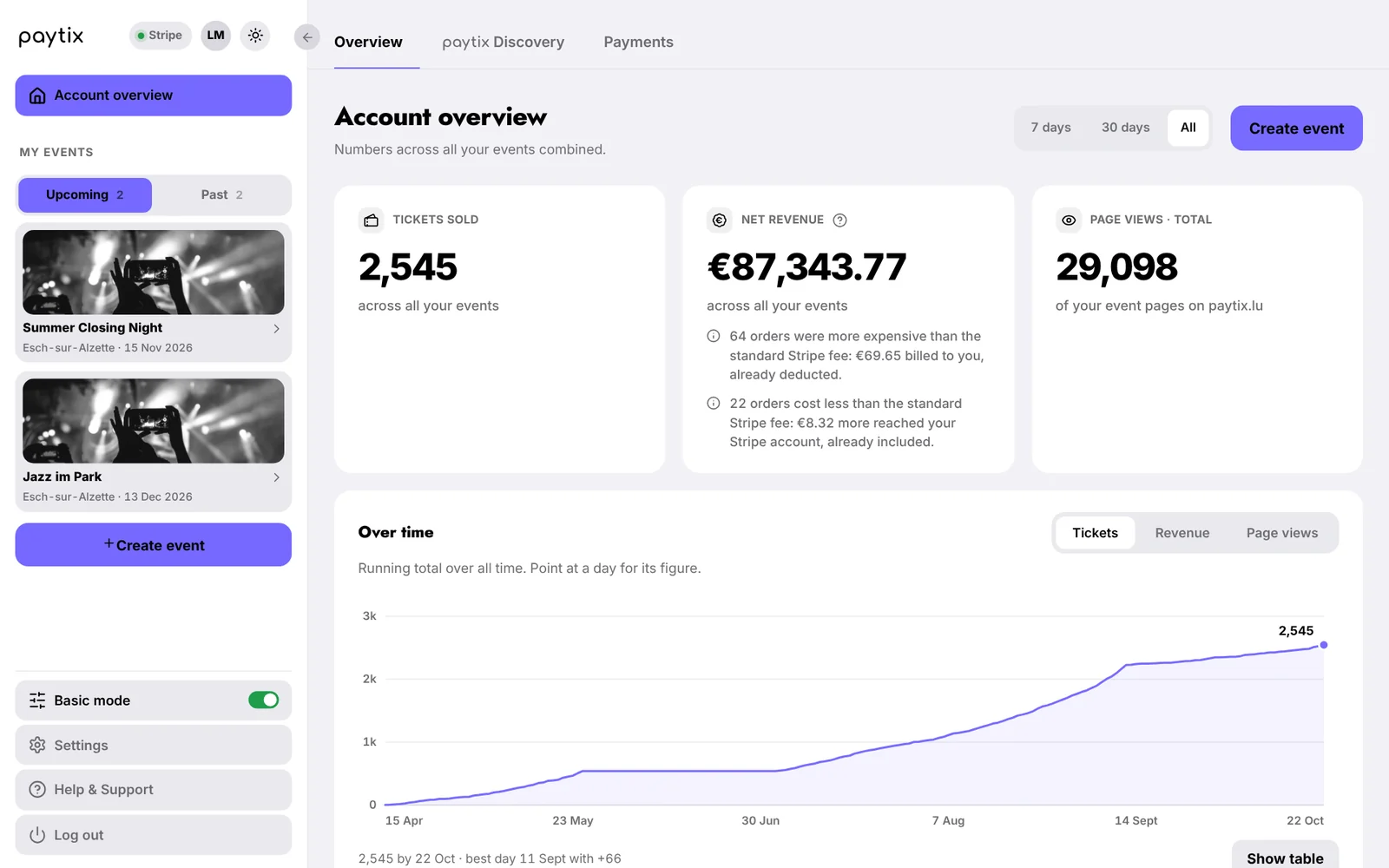
Reduce your dashboard to the essentials for ticket sales and your event page.
Create as many events and ticket types as you want and need.
Animated preview of the statistics page: Overview, Audience, Sources, Engagement and Sales.
Try it: pick tickets, enter your details and buy virtually. Nothing is charged.
Choose your tickets below. Prices and availability come straight from the official shop.
Open shop in a new windowFree tickets are fee-free.
Personal customer service. You talk directly to the paytix team, not a bot. We help you with the setup, with questions about your event and with special requests. On request, we also build custom solutions for a fee.
You decide who pays the fees. No hidden fees.
Multi-day events are no problem. A ticket automatically becomes scannable again for every day of the event.
The shop is designed to turn as many visitors as possible into buyers. Clear, just a few clicks to purchase, and the latest payment methods are available.
Choose ticket type and quantity, prices are calculated automatically. Selected tickets are reserved for the buyer for 15 minutes. Discount codes can be redeemed directly.
With Link, Apple Pay or Google Pay, buyers pay fastest and most conveniently.
Classic card payment is of course available too. So there’s something for everyone.
Example shop with test data
Optionally ask your own questions at checkout. Multiple choice, free text and many more options. You’ll then see the answers in your account, all at no extra cost.
A form applies to all ticket types at once or only to the ones you select, e.g. a food question only for VIP tickets and an age question for regular tickets.
The questions appear at checkout for each individual ticket. If someone buys four tickets, you get four answers.
Questions can be mandatory. Checkout then only continues once they are answered.
You’ll find all answers under Customer management, in your guests’ Forms answers.
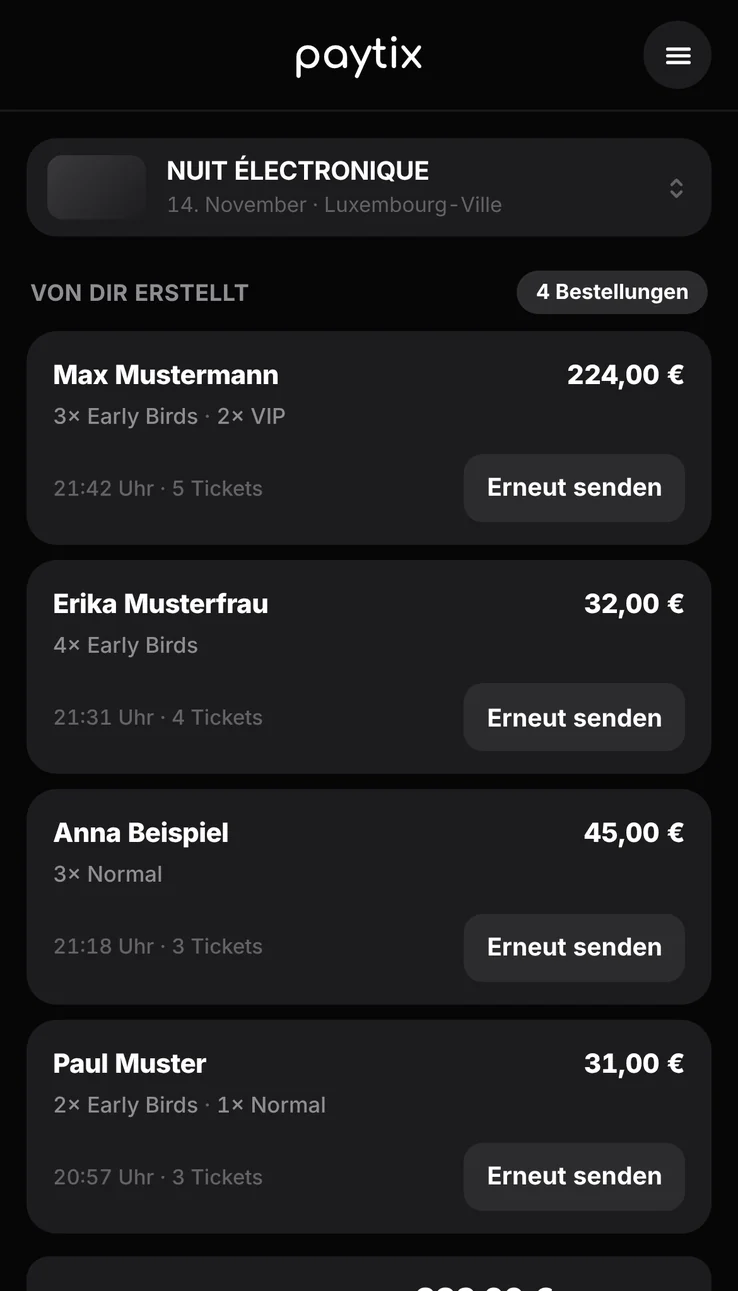
Skip the hassle of physical tickets. Your sellers create tickets in seconds and send them straight to the buyer. Sales run through the web app, which is also used for scanning at the entrance later.
In the web app app.paytix.lu, the seller enters the buyer’s name, chooses the quantity per ticket type and creates the tickets.
The tickets go to the buyer as a link, via WhatsApp, Messenger, Snapchat or email. The buyer opens the link and can easily download their tickets.
Each seller sees the sales they’ve made and can resend tickets if needed. Anyone with access to the account dashboard sees all sales figures live.
Only people you’ve added as sellers in your account can sell. You can add unlimited sellers.
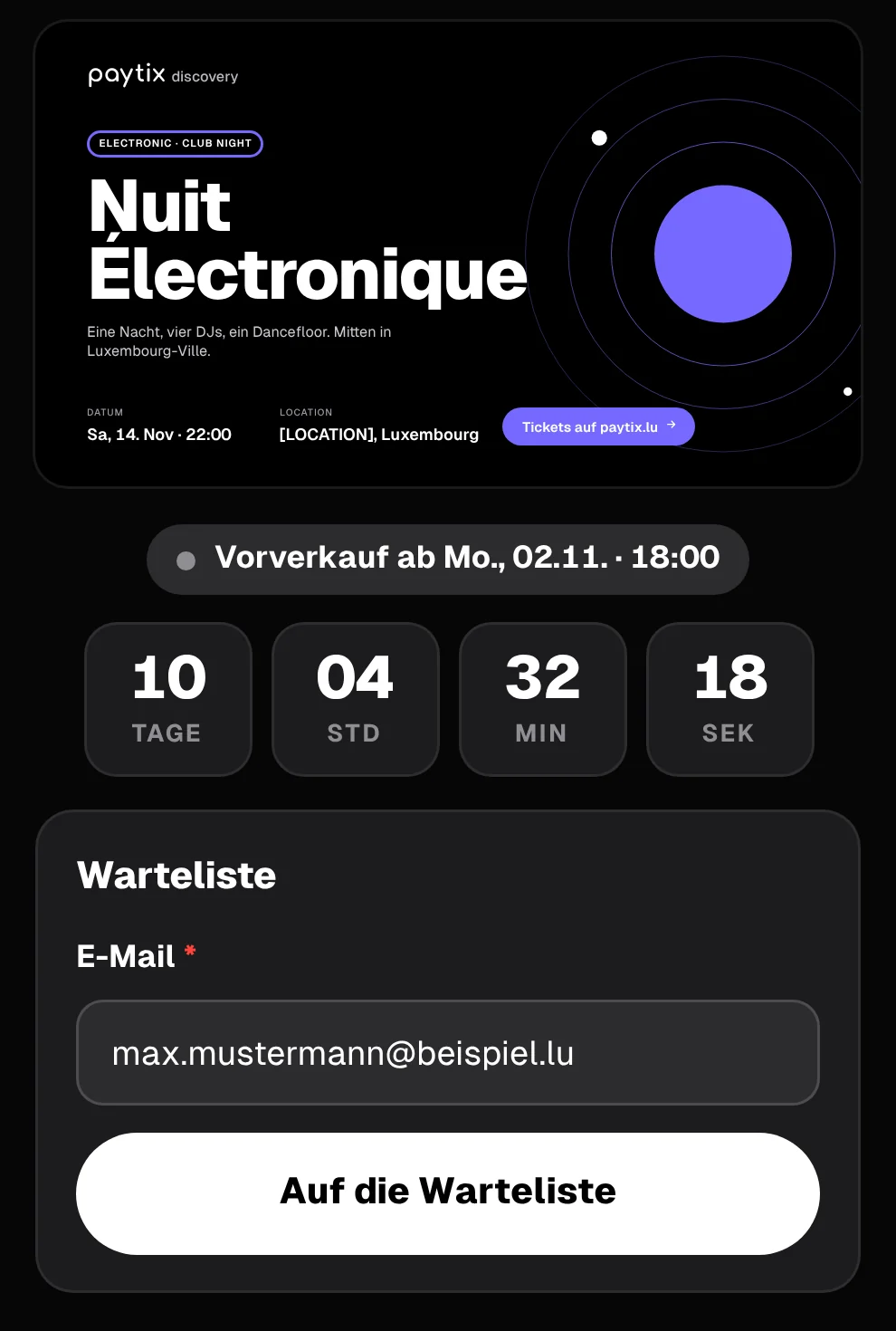
Build anticipation before pre-sale starts. Your shop shows a countdown to the sales start, and interested people join the waiting list with their email. When sales start, they are notified automatically.
Until the pre-sale has started, the shop shows the date, time and a countdown in days, hours, minutes and seconds.
Anyone who doesn’t want to miss the start enters their email address.
As soon as pre-sale starts, everyone on the waiting list automatically gets an email with the link to the shop.
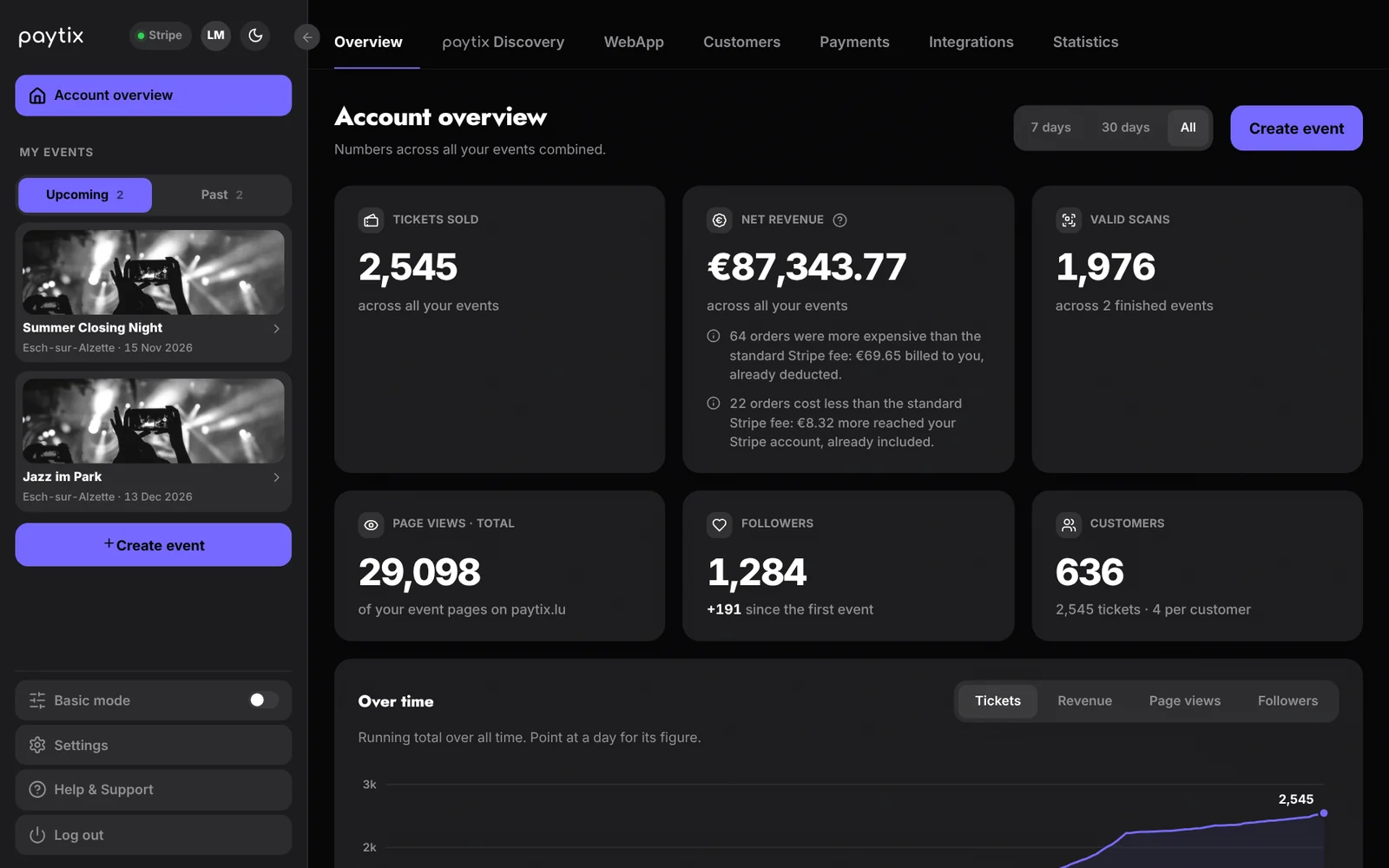
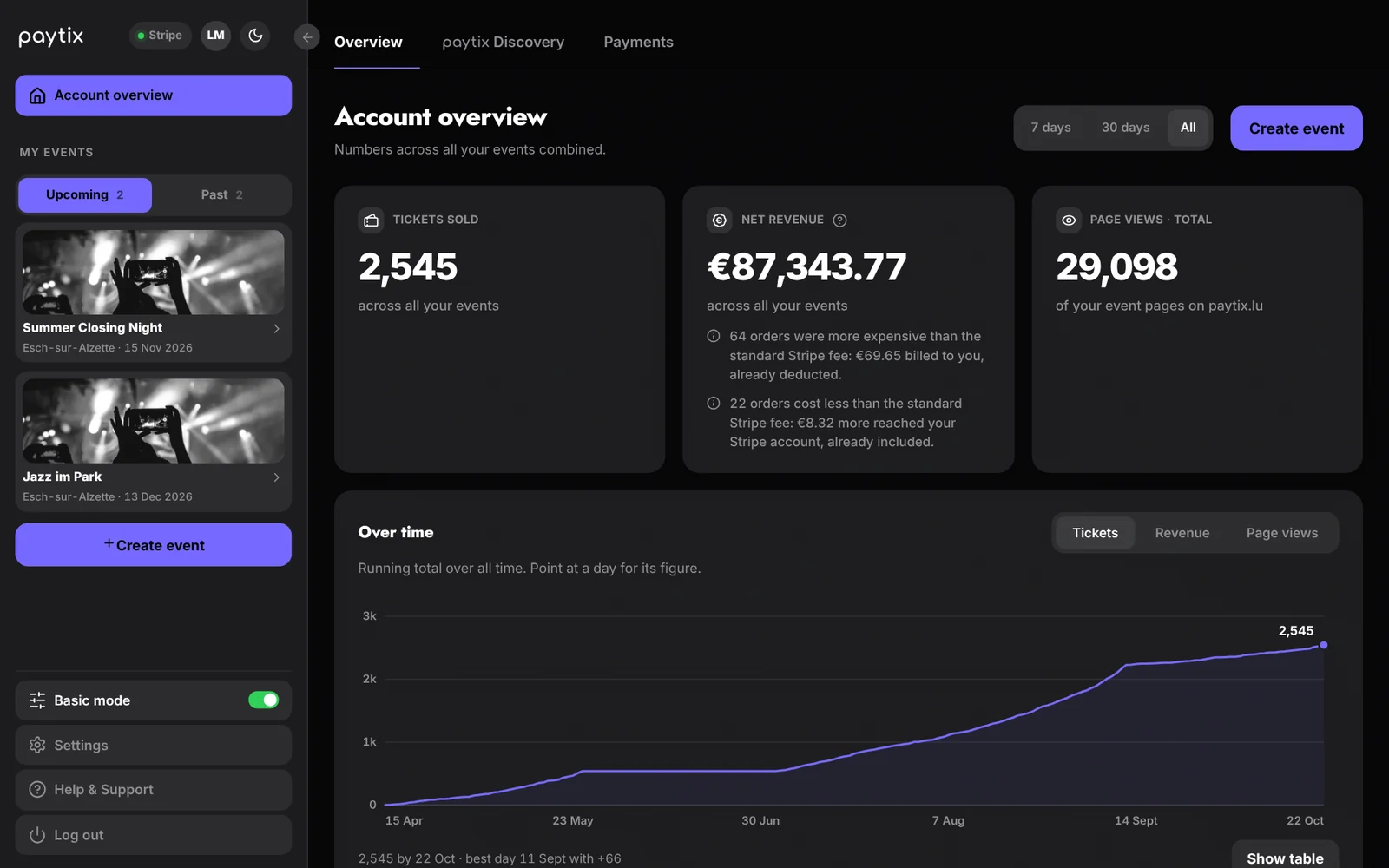
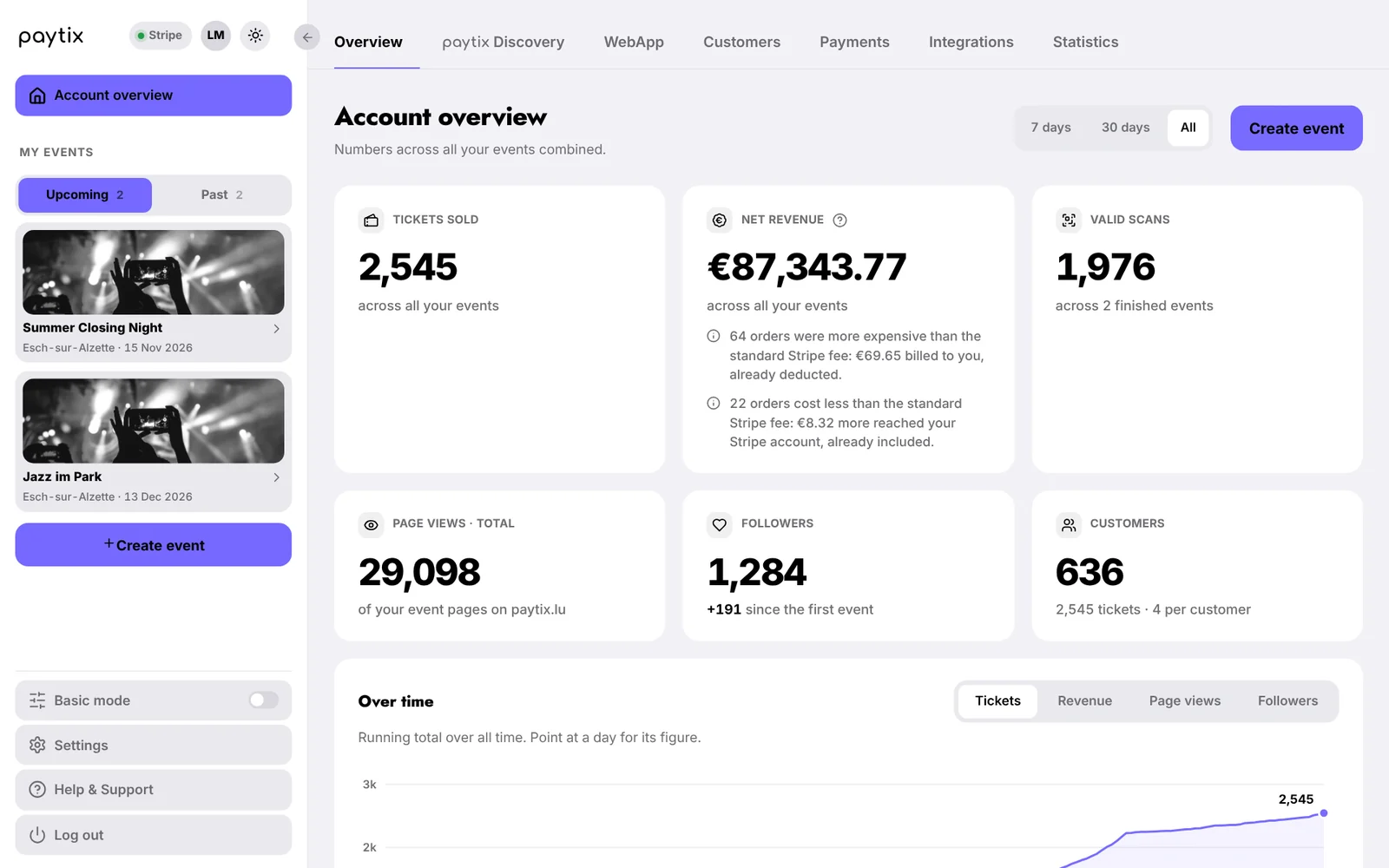
One switch reduces your dashboard to the essentials. Ideal if you don’t need extras and want to manage your event quickly and easily.
You switch Basic Mode on at the bottom left of your dashboard and off again at any time, whenever it suits you.
Overview, events, tickets and sales, your event page on discovery and your payouts. Everything you need to set up and sell your event.
Additional areas such as customer management, statistics and integrations. Your data is kept and becomes visible again as soon as you switch off Basic Mode.
Statistics are made for in-depth analysis and are available per event or across all your events.
Net revenue, orders, event page views and unique visitors, plus the marketing funnel from impression to purchase and the trend over time.
Unique visitors, sessions, views per visitor and returning visitors. Plus: which devices, which countries and cities, which language and what time of day.
Where your visitors come from, e.g. paytix Discovery, social media or direct links, which campaign links (UTM) work and what people search for on paytix Discovery.
How often your events are saved and shops are clicked, waiting-list sign-ups and what paytix promoted for your event, e.g. via follower alerts or the For-You email.
The path from shop click to purchase: shop views, orders started, payments submitted and completed purchases, plus the conversion from visitor to buyer.
Embed your paytix ticket shop directly in your own website.
On phones the shop automatically switches to the mobile view: full-width banner, large tap areas and full-width buttons.