Scan tickets with your smartphone.
Scan the ticket’s QR code or enter the ticket number manually.
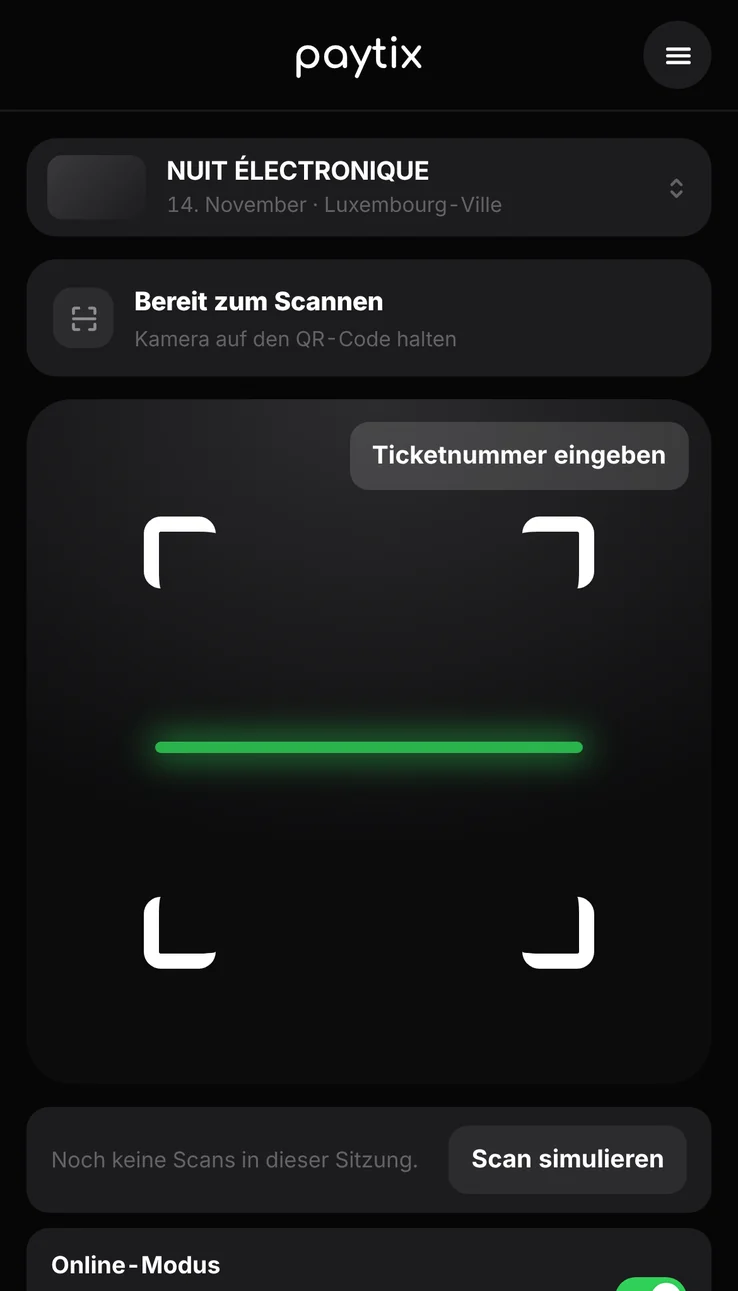
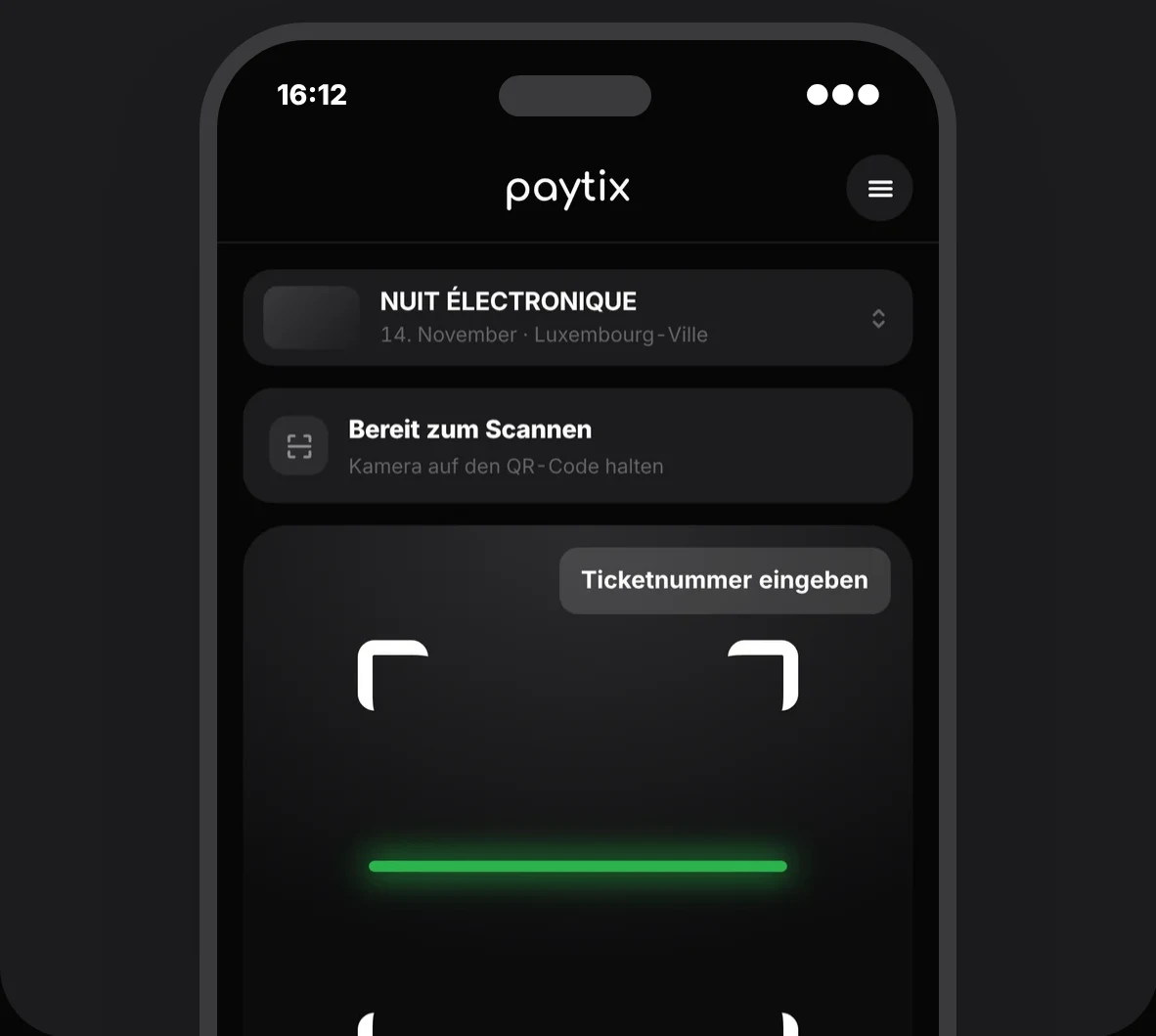
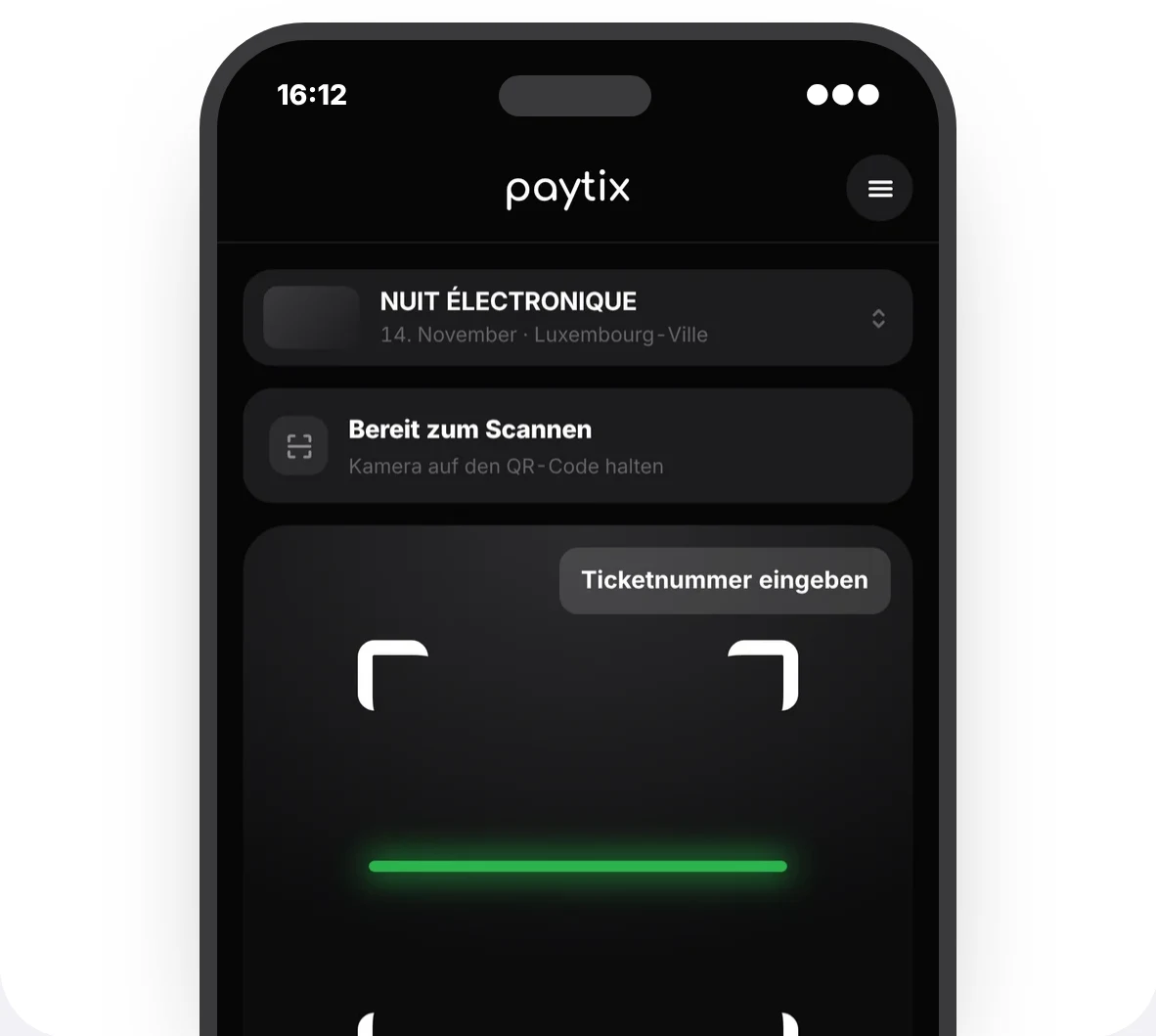
Scan the ticket’s QR code or enter the ticket number manually.
Tickets can be scanned offline too, without double scans.
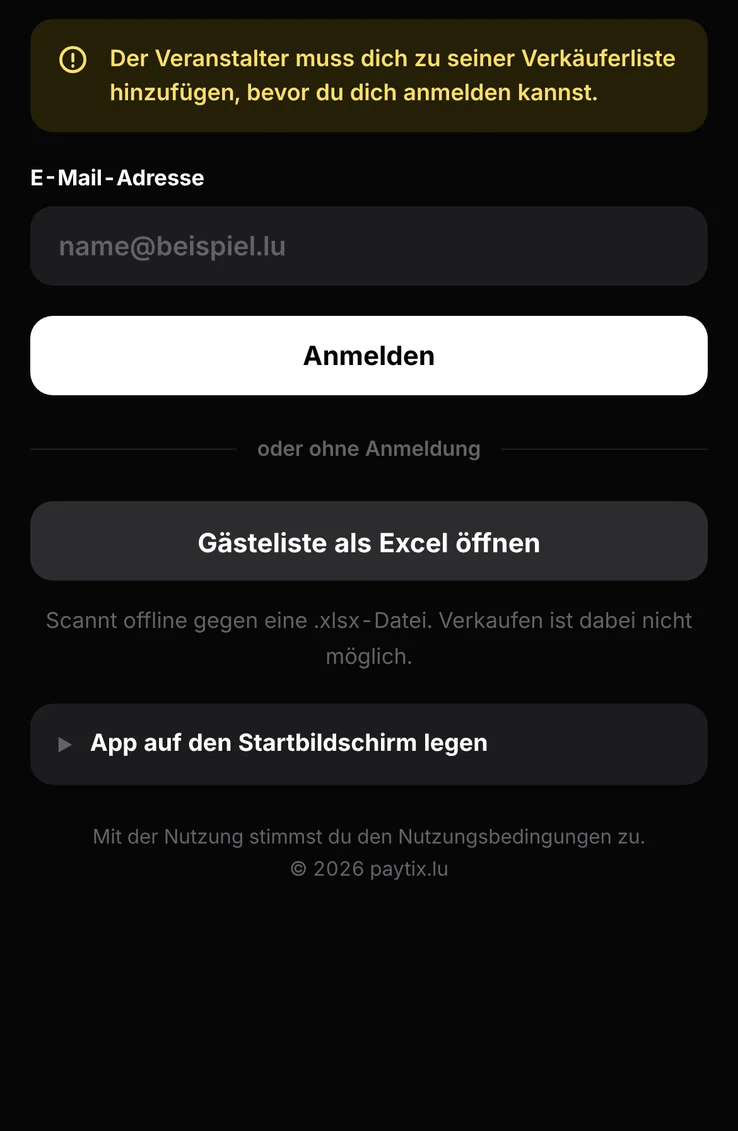
Enter app.paytix.lu in your browser. 100 % free with an unlimited number of users.
On iPhone and Android, you can add it to your home screen like an app.
Also see how many tickets each scanner has checked. Ideal for managing entrances live.
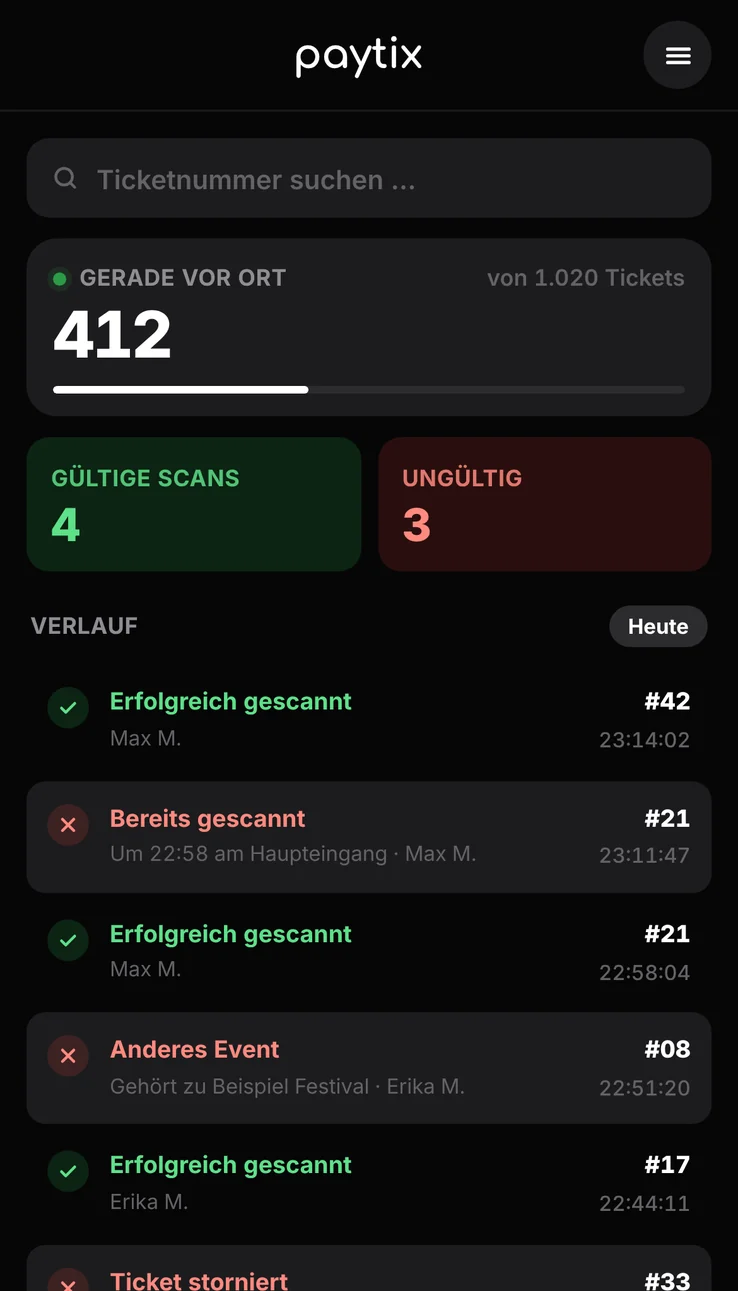
Manage your scanners/sellers in your my.paytix.lu account.
Just a smartphone with a browser. Open app.paytix.lu and scan the ticket’s QR code or enter the ticket number manually. The web app is free, with no limit on the number of users.
Download the event’s .xlsx file under “Sold Tickets” in your my.paytix.lu account. Your scanners can then scan offline. Double scans are ruled out by the connected offline database.
In your my.paytix.lu account, enter the person’s name and email. Only people you have added get access.
The web app runs directly in the browser. With a few taps, you can add it to your phone’s home screen like an app.
Open app.paytix.lu in your phone’s browser and log in with your access.
Tap the share icon at the bottom and choose “Add to Home Screen”. Confirm with “Add”.
Tap the menu ⋮ at the top right and choose “Add to Home screen” or “Install app”.
The web app then sits on your screen as a paytix icon and opens in full screen, no App Store needed.