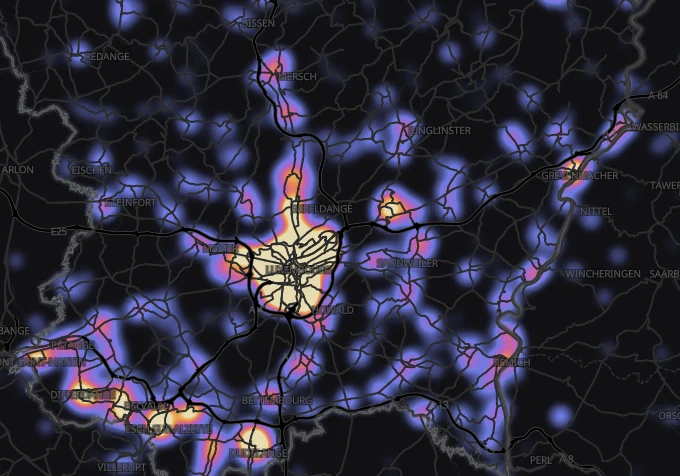
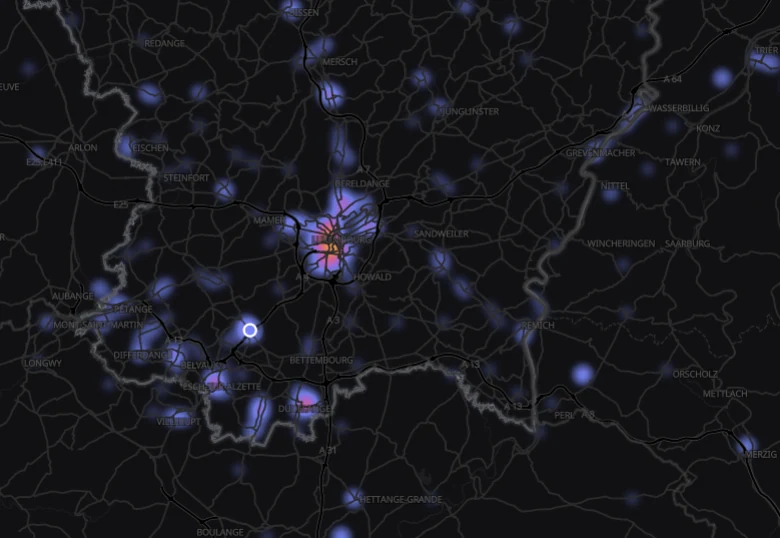
See where your buyers come from.
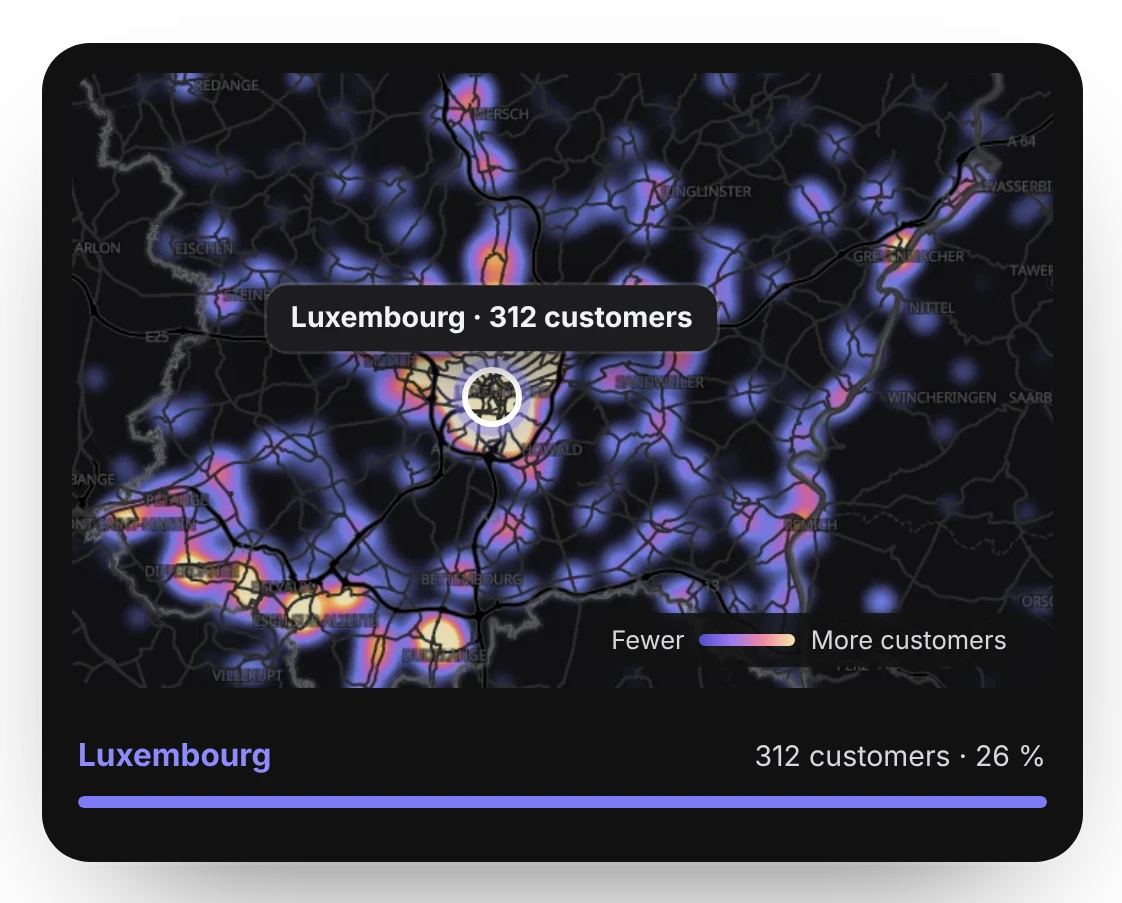
The heat map shows you exactly where most buyers come from and where there is still potential.
The heat map shows you exactly where most buyers come from and where there is still potential.
See, for example, who your best customer is!
All your guests’ answers to your checkout questions.
Tell your past buyers about your next event. paytix sends the email in your name to all your customers who don’t have tickets for this event yet.
Users can follow you and are automatically notified about your new events.
Guest lists are also shown in the scan app and can be edited there.
A map shows where your buyers come from, based on the billing address. The brighter the glow, the more buyers live there.
Under Customers you switch from the list to the map. Each customer appears once, at the billing address of their last paid order. Next to it you see your top cities.
In an event’s sales, By location shows where that event’s buyers live, with the distance to the venue, from under 10 km to over 100 km.
Zoom into the map and you see the count per neighbourhood.
Under Customers you find all buyers of your events, grouped by email address, with a dedicated profile for each customer.
The customer list brings together all buyers across all your events, grouped by email address. Only completed orders count. You search by name, alias or email, filter by event and last order, and export as CSV.
For each customer you see spending after refunds, paid orders, the average order value, the number of events and the first and last order. Plus cancelled and refunded orders, and any other names they ordered under.
All of the customer’s orders at a glance, filterable by event, with cancelled orders if you want.
Customer profiles are created automatically and contain personal data. They may only be used for processing and communication related to the event.
Every form comes with an analysis and a table of all answers.
Choice questions appear as a distribution with count and percentage. With multiple choice, the percentages can add up to more than 100%. Free text, dates and contact details are only counted and appear in the table.
One row per order. You search by name, email, order number or answer, and expand a row to see every question.
With one click you download all answers as a CSV with all columns.